Welcome to TroubleshootAR
In this troubleshooting exercise, you'll inspect the physical network setup and use visual clues to diagnose potential issues. You'll see Augmented Reality (AR) markers placed around the room. Use these markers to bring up a checklist to help you identify the potential issues in each area.
Once you've gathered all the necessary information, you can click the Finish button at any time to present your findings to your classmates or instructor.
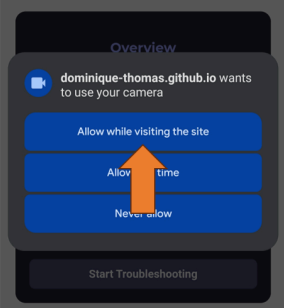
During the exercise, you may be prompted to grant access to your camera. You'll only need to do this once. Click here to see an example.